
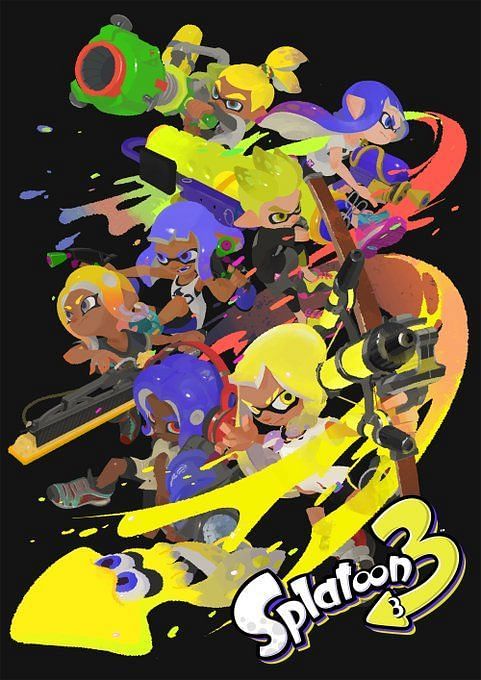
Splatoon 3 is here to deliver a whole new era of ink-based shooter action. The series is conceptually unique even within its own genre, focusing on arena control for multiplayer his matches. But it was the art side that attracted me the most.
Inspired by fashion, rebel culture, and hip-hop, all of this is reflected in the vibrant world in which the game takes place and its stylish inhabitants.
This also created artistic opportunities for players – and this carries over into the latest installment.
Let your imagination run wild with Splatoon 3 Art Posts
To start, players must create a character and complete a tutorial. This is because the place to do these posts is available in his Splatsville, a hub world that is unlocked once the aforementioned prerequisites are completed.
Once in the busy hub, there’s still one more step before players start scribbling. They have to pick a festival team. Festivals are recurring in-game events where players choose their team and compete online to win their matches.
There are currently three picks in Splatoon 3: rock-paper-scissors, rock-paper-scissors. After selecting the team of your choice, find the red mailbox. When you interact with it, a warning box will pop up like this:
“This mailbox is where you can draw pictures and post them on social media. Other players may see your drawings, so please do not post personal information or inappropriate content. These drawings may appear as a Splatsville sign or graffiti.”
Following this is the ‘Post’ option, which takes the player to a new window where they can start drawing what they want. There is an additional his one-off popup detailing the control of the drawing. They are:
- A Button – Pen: You can write and draw with the pen. There are 3 types of pen thickness.
- B Button – Eraser: You can erase what you write or draw with the eraser. Erasers come in 3 different sizes.
- L/R Buttons – Resize: This allows you to resize the pen and eraser.
- L3 Button – Clear All: Press this to clear everything
- ZL Button – Undo: undo last action
- ZR Button – Redo: Redo an undone action
- X Button – Zoom: Enlarge the drawing area.Press this button again to zoom out
- Y Button – Toggle Horizontal/Vertical: Draw a vertical drawing. Press again to return to horizontal.
- R Stick – Move: You can move the area displayed on the screen while zooming in or vertical
- Plus (+) Button – Post: Share your creations with others by posting them on your linked Twitter or Facebook accounts
- Minus (-) Button – Save and Exit: Save your drawing and return to the hub world.

I am an SRL intern. We are very happy to announce that Splatoon 3 is now available. Have fun and have fun! All the other lab employees are doing “research” so I don’t think anyone will mind if I get a few games too… https://t.co/skyJY0GguC
Splatoon 3 is only available on the Nintendo Switch Hybrid console.
.
Comments
Post a Comment